Take the sparkle off your Gemini images.
Drop in a picture, aim the box at the corner mark, and get a clean copy at the exact same resolution. Preview your image, then process it to remove the corner mark.
Drop Gemini images here
or paste directly with Ctrl+V / Cmd+V
PNG, JPG and WebP supportedBefore and after, frame by frame.
Real interactive test frames. Drag the handle on any card below to inspect the corner restoration.
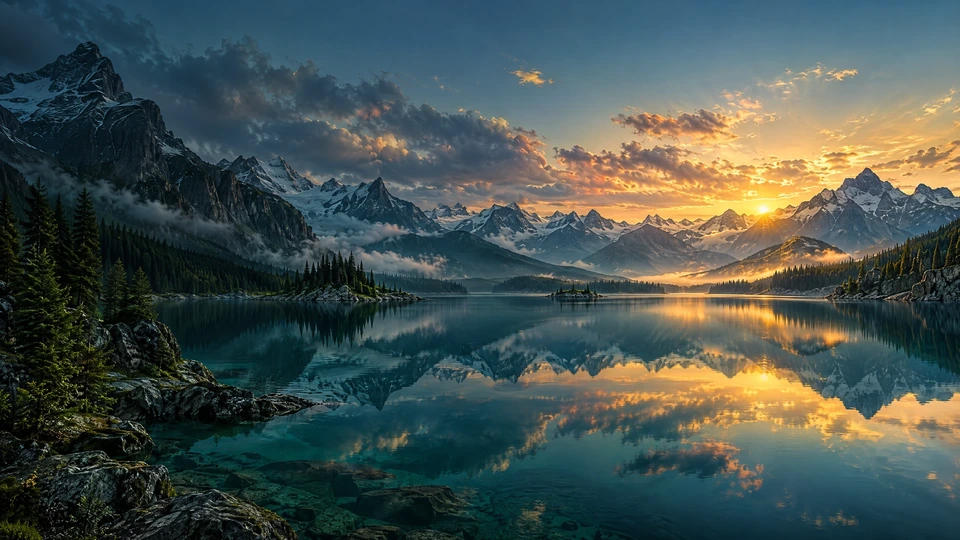
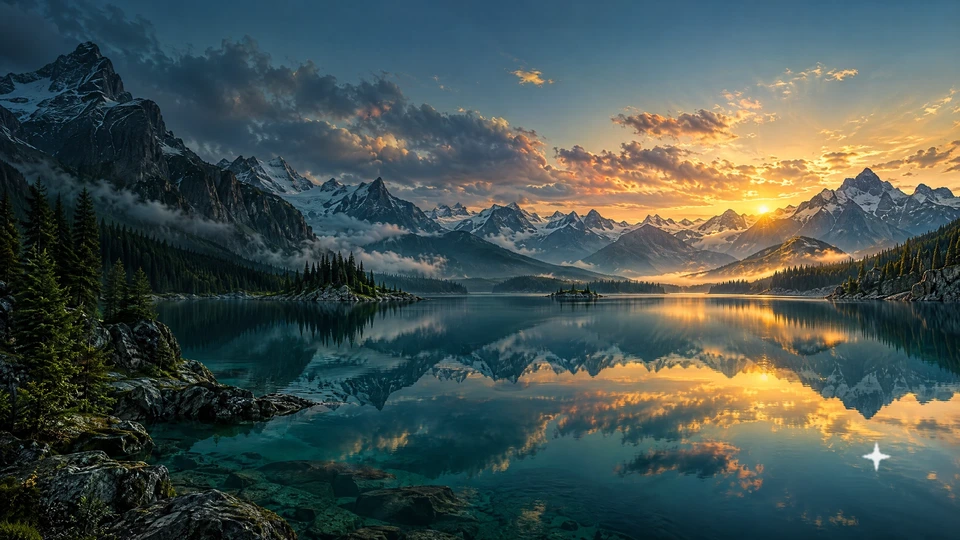
Alpine Lake Reflection
Target box 54 px

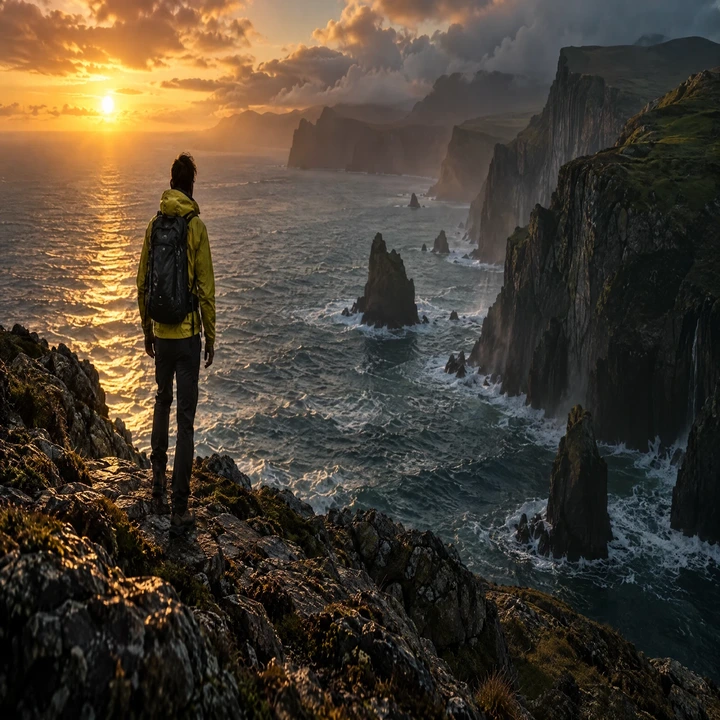
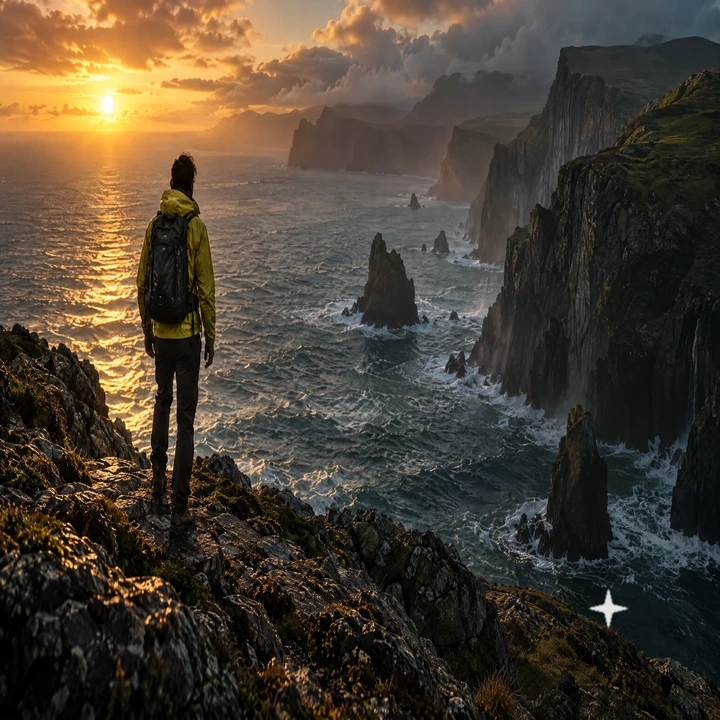
Editorial Studio Portrait
Target box 72 px



Liquid Emerald Caustic
Target box 72 px

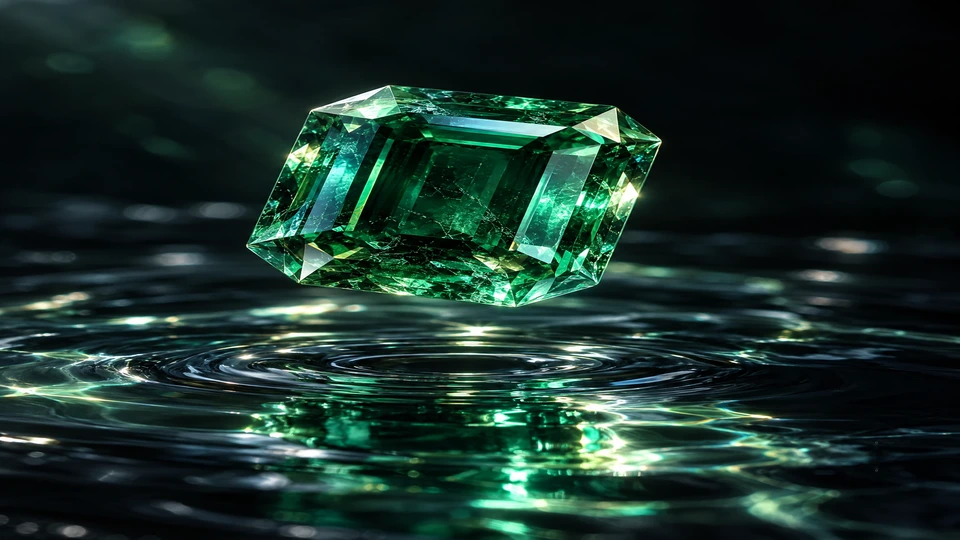
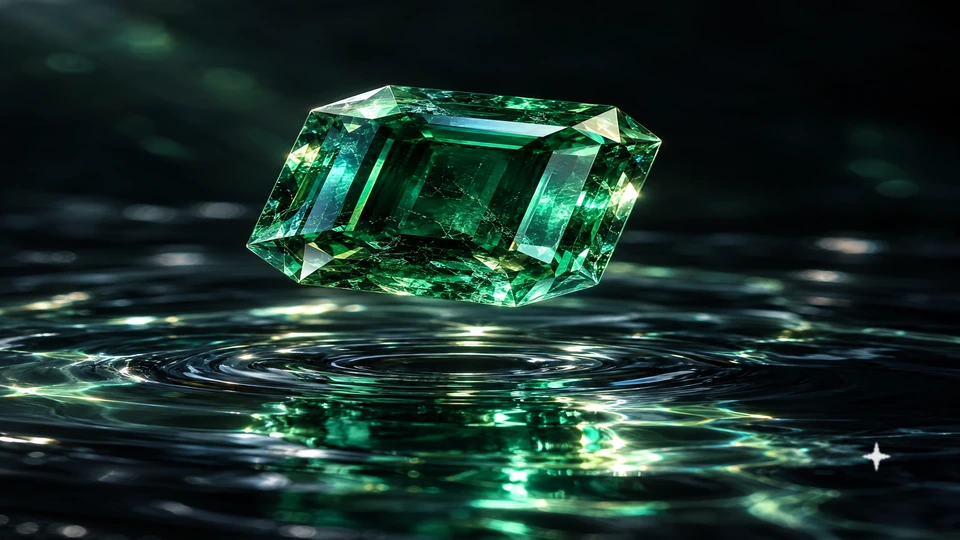
Architectural Twilight Villa
Target box 54 px


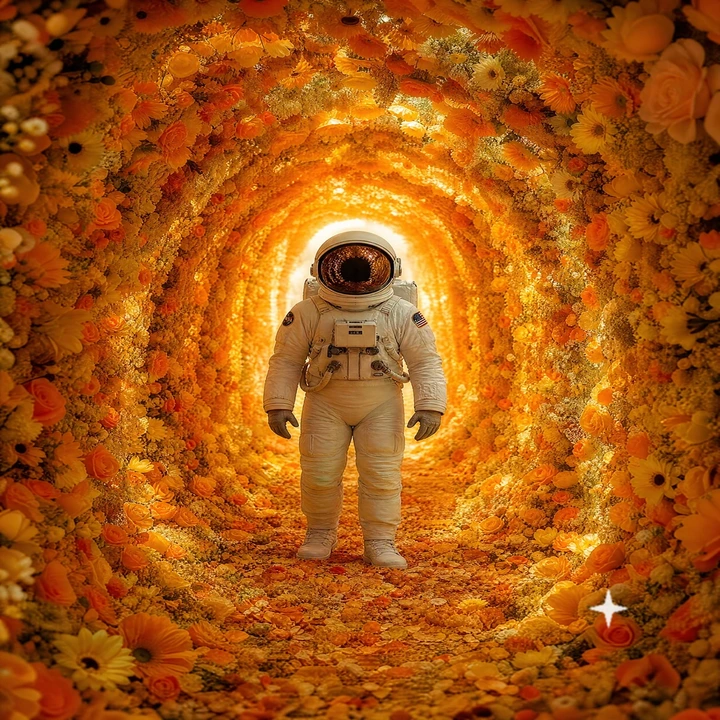
Astronaut Floral Cavern
Target box 72 px



Cyberpunk Neon Rain
Target box 54 px



Desert Dune Crest
Target box 60 px



Pacific Ocean Swells
Target box 60 px

These frames demonstrate edge-blend inpainting on diverse scenes (gradients, mountains, skies, dunes). Clean results are achieved without smudging or plastic blur.
Three moves, no account.
Add your images
Drop one or multiple Gemini pictures. Images from the same source carry the sparkle mark in the exact same bottom-right spot.
Aim the box
Turn on the target box outline and adjust the box size and distance sliders until the dashed line squarely covers the sparkle.
Save the clean copy
Compare with the slider, inspect the zoomed loupe, and save your clean PNG at the original pixel resolution.
What stays on your side.
Nothing is uploaded
Images are opened and edited in an HTML5 canvas inside this page. No external server receives your private files.
Same pixels out
The result retains 100% of the original width and height. Only the small patch in the corner is reconstructed.
No account, no stamp
There is no sign-in, subscription, or watermark added to your picture. You get your clean image back instantly.
Clear about limits
It removes the visible corner sparkle only. Invisible provenance data such as Google SynthID is not altered.
Use it on images you created or have the legal right to edit.
If a platform or client requires you to label AI-generated work, continue to follow their guidelines. Removing the visible corner mark does not change the provenance of the media.
Questions people ask first.
Clear answers about privacy, output resolution, and inpainting quality.
Do my images get uploaded to a cloud server?+
No. Your image file is read by your browser, rendered on an HTML5 canvas in this tab, and cleaned entirely in your device's memory. You can confirm this by checking the Network tab in your browser's Developer Tools — zero bytes leave your machine.
What exactly does this tool remove?+
The four-point white sparkle logo that Google Gemini places in the bottom-right corner of generated artwork and photos. It fills that square patch from the surrounding pixels with matching grain.
Does it remove SynthID or invisible watermarks?+
No. SynthID and similar imperceptible cryptographic watermarks exist across the latent frequency domain of the entire image. This tool only reconstructs the visible corner pixels.
How good is the restored corner quality?+
Smooth gradients, skies, out-of-focus bokeh, and solid backdrops restore seamlessly. For intricate textures or edges, tuning the "Box Size" and "Distance from Corner" sliders ensures the patch fits tightly around the mark.
Which file formats are supported?+
JPG, PNG, and WebP images. All outputs are exported as full-fidelity lossless PNG files at the original width and height.
Can I clean multiple Gemini images at the same time?+
Yes! You can drop 10, 20, or 50 images at once. They share the calibrated box coordinates and you can click "Download All" to save every cleaned file in one batch.
Got an image with the corner mark?
Add it now and get a flawless, watermark-free export in under 3 seconds. 100% free with no sign-up.