How PixelRefine AI Restores Every Frame
Unlike legacy tools that simply blur or smudge marked pixels, PixelRefine employs a four-stage spatio-temporal pipeline that reconstructs true underlying texture.
The 4-Stage Spatio-Temporal Pipeline
Click each stage to inspect the technical process and neural execution.
Sub-Pixel Watermark Localization
High-sensitivity neural segmentation localizes transparent watermarks, Gemini 4-point stars, and dynamic timestamps down to sub-pixel coordinates.

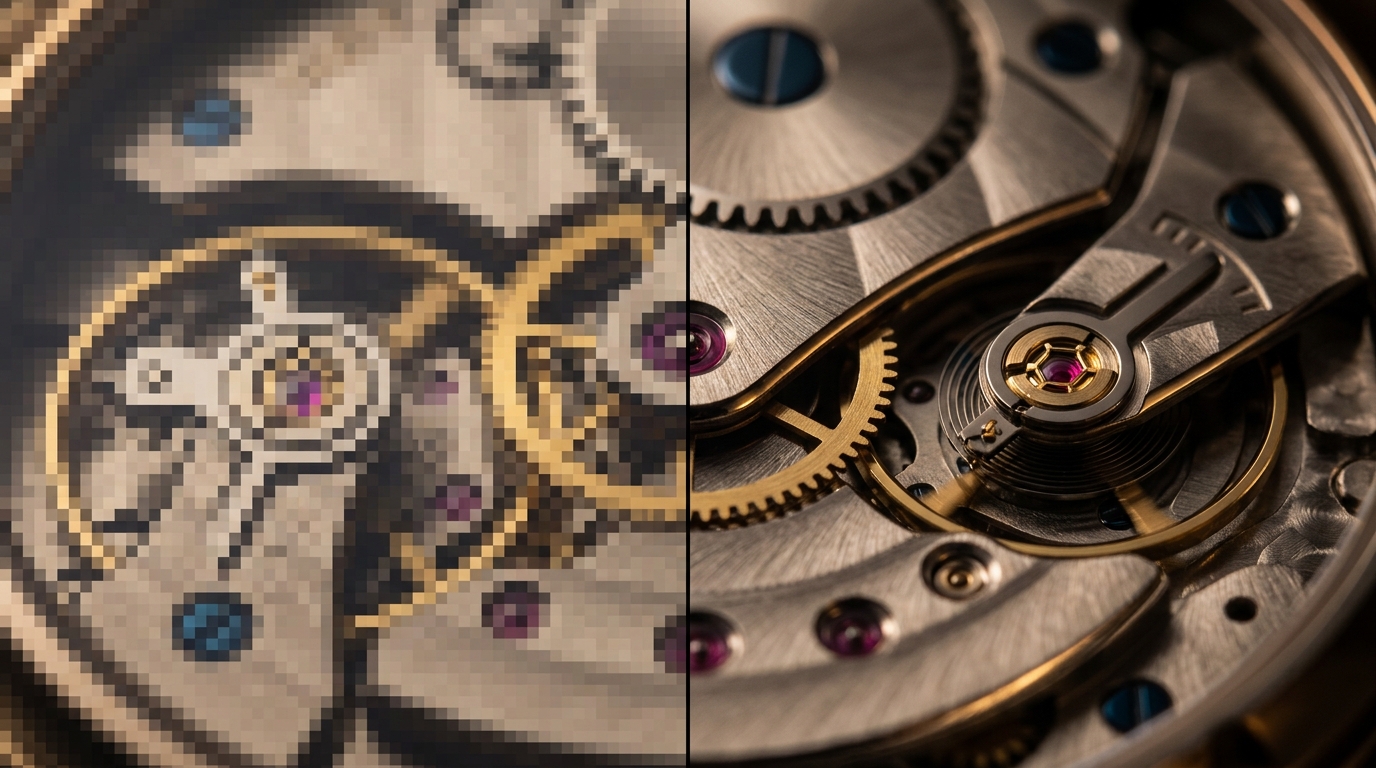
Inspect the Reconstruction Quality
Drag the handle to compare original watermarked media with the four-stage AI cleaned output.
Supported Media Formats
Upload from mobile, desktop, studio cameras, or web exports with full container support.
H.264 & H.265 high-definition video files
Apple QuickTime video with ProRes support
VP9 web video format from online sources
High-bitrate studio master containers
Lossless 8-bit and 16-bit transparent images
Standard photographic format with high compression
Modern web format with lossy and lossless modes
Apple iPhone high-efficiency photos
Pro Tips for Flawless Results
How to get the highest visual fidelity
1. Upload Highest Native Resolution
Whenever possible, provide uncompressed 1080p or 4K files. The more surrounding pixel detail available, the sharper the inpainting texture will be.
2. Continuous Frame Continuity
Ensure your video clip has at least 1-2 seconds of smooth camera motion around the watermark area to allow our optical flow model to synthesize background data.
Experience the neural difference
Remove watermarks from your first video or photo right now.